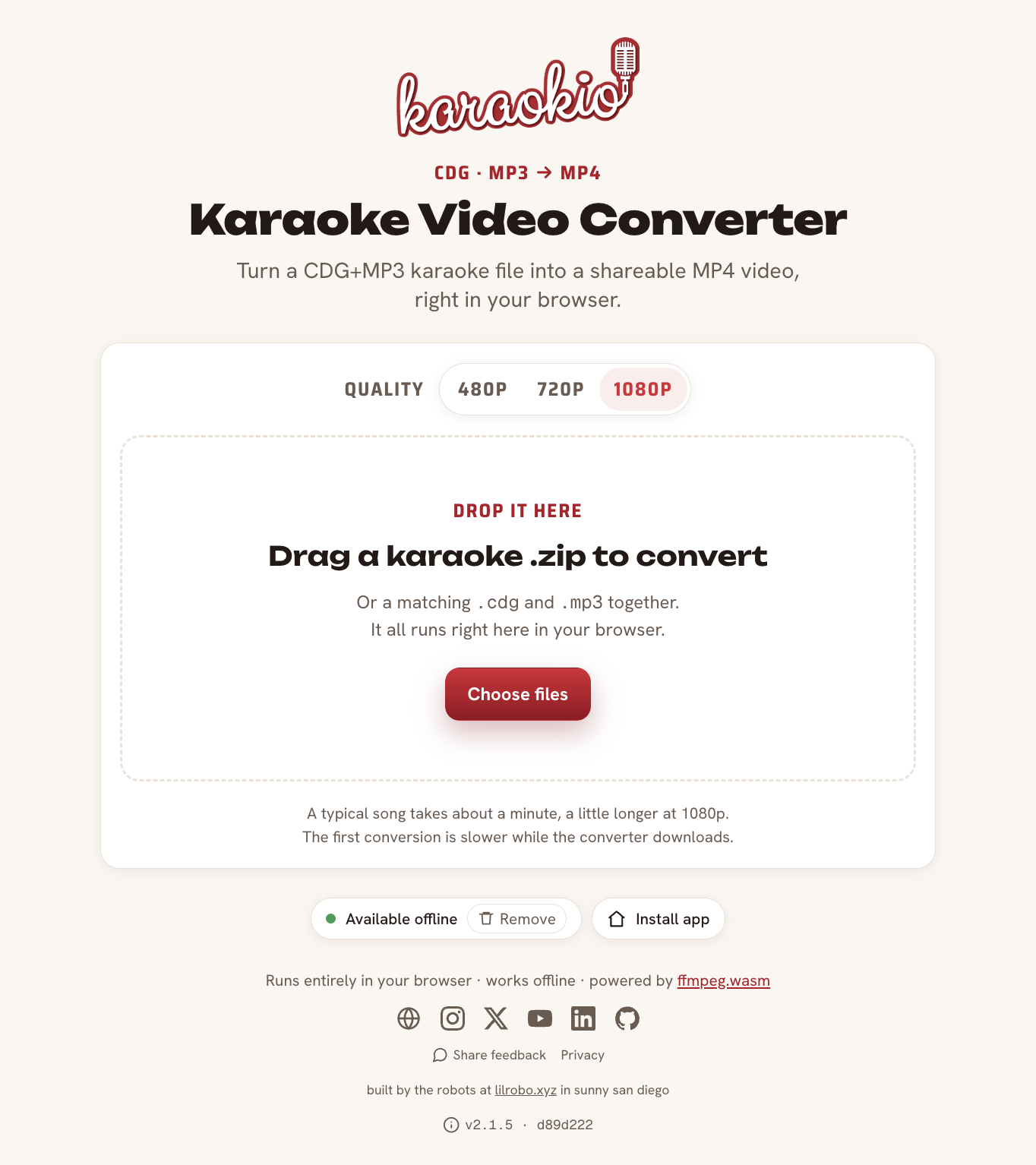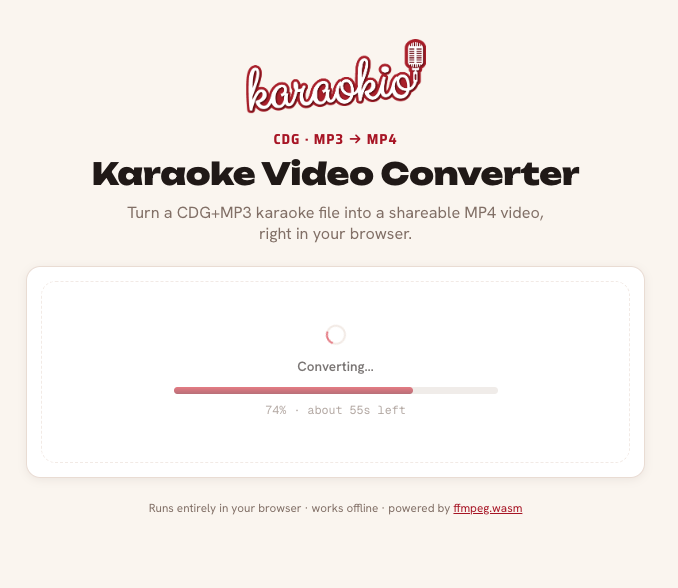
The karaoke converter now uses your browser's video encoder
cdg2mp4 v2.4.0 changes how conversion works. Most people will now convert without downloading anything, using the H.264 encoder already built into their browser. ffmpeg.wasm, which did this job alone until now, has moved to being the fallback.
Nothing about how you use the tool changed. Drop a zip, get a video. This is about what happens in between.
What you get:
No download. The old converter is a 31MB WebAssembly build of FFmpeg that had to arrive before anything could happen. The new one is already in your browser. First conversion on a fresh visit no longer starts with a progress-free wait.
It is faster. How much depends on your machine. On the laptop I tested, a 188 second song at 1080p:
Browser encoder 15.0s
ffmpeg.wasm 171.6s
It works offline immediately. Previously the app shell worked offline but the converter did not until you had downloaded the core, so the footer pill nagged you to save 30MB. On the new path there is nothing to save. It reads "Available offline" from the first visit.
**It works on machines that could not convert at all.** This is the part that prompted the whole change. `@ffmpeg/core` is compiled with SIMD, and browsers disable WebAssembly SIMD on CPUs without SSE4.1, an instruction set from 2007. On those machines the converter failed before reading your file, every time, with no workaround. In the analytics that was 16 of 136 conversion sessions: every Chrome 109 session on Windows (0 of 8 succeeded), every Firefox 115 session (0 of 3). Those browsers do support WebCodecs.
The app does not go by version numbers. It asks your browser's encoder whether it accepts an H.264 configuration at the resolution you picked, and believes the answer. Some browser builds ship the API without the codec behind it, and only the real question catches that.
## ffmpeg.wasm is demoted, not deprecated
It is still shipped, still tested, still maintained. It runs when:
your browser has no WebCodecs, or no H.264 encoder behind it
the new path fails and you click **Try the original converter** on the error screen
That button is deliberate. There is no settings toggle asking you to pick an engine, because choosing between "WebCodecs" and "ffmpeg" is not a reasonable thing to ask of someone converting a karaoke track. But if the new path lets you down, the one that has worked for years is one click away with the same files.
Removing ffmpeg.wasm is not planned. For a browser without WebCodecs it is the only thing that works, and for the pre-SSE4.1 machines above the question of whether the browser encoder actually succeeds is still open. Those CPUs will fall back to a software H.264 encoder, which is native code and does not care about SSE4.1, so it should work. I do not own a 2006 PC, so that "should" gets settled by data rather than by me.
## Telling which one you are on
Three ways, in increasing order of nosiness.
**The footer** credits whatever is converting on your device: WebCodecs, cdgraphics and mediabunny on the new path, ffmpeg.wasm on the old one.
**The console** narrates each conversion. Open dev tools before you drop a file:
[cdg2mp4] pipeline: webcodecs · native H.264 encoder, nothing to download
[cdg2mp4] converting TRKD1502.zip at 1080p (1440x1080)
[cdg2mp4] encoding 1440x1080 H.264 in a worker
[cdg2mp4] audio: re-encoding the MP3 to AAC
[cdg2mp4] 5646 frames at 30fps · 188.2s of audio, 187.0s of graphics
[cdg2mp4] done in 51.3s · 5.3 MB, 3.6x realtime
**A URL parameter** forces either one, which is the easiest way to compare them on your own files: `cdg2mp4.com/?pipeline=ffmpeg` or `?pipeline=webcodecs`.
What the output looks like
Same resolutions, same 4:3 aspect, same nearest-neighbour upscale that keeps CD+G pixel art crisp rather than blurry. Video is H.264, audio is AAC, both in an MP4, exactly as before. If your browser has no AAC encoder the MP3 gets copied in unchanged instead, which the console will tell you.
Files are roughly 30% larger than the old converter produced: 6.1MB against 4.7MB for that 188 second song. That is a deliberate trade rather than a regression. Measured against a lossless render of the same CD+G file, the new output scores slightly higher (0.9984 against 0.9966 SSIM). x264 has better rate control than the browser's encoder, and matching its file size means giving up more picture quality than it does. If the size matters more to you than the quality, `?pipeline=ffmpeg` still gets you the smaller file.
The graphics themselves are not an approximation. The JavaScript CD+G renderer was checked against ffmpeg's decoder frame by frame on a real karaoke rip: 97% of frames are bit-for-bit identical, and every frame that differs does so by under 0.1% of its pixels, always a fragment of a single character tile where a lyric highlight lands on either side of a sampling boundary.
Credits
The new path leans on two libraries worth naming: cdgraphics by bhj, who also builds Karaoke Eternal, renders the graphics, and mediabunny by Vanilagy builds the MP4. CD+G itself has no official public specification, and every renderer including that one descends from Jim Bumgardner's *CD+G Revealed*, which reverse-engineered the format.
Full list, with licences and sources, is at CREDITS.md.
Go convert something and sing badly. That is what it is for.
[ Try it at **cdg2mp4.com** ]
Next up…
Batch mode? New blog site… moving away from this Squarespace site in favor of Astro or EmDash (I really don’t like this WYSIWYG editor).